-
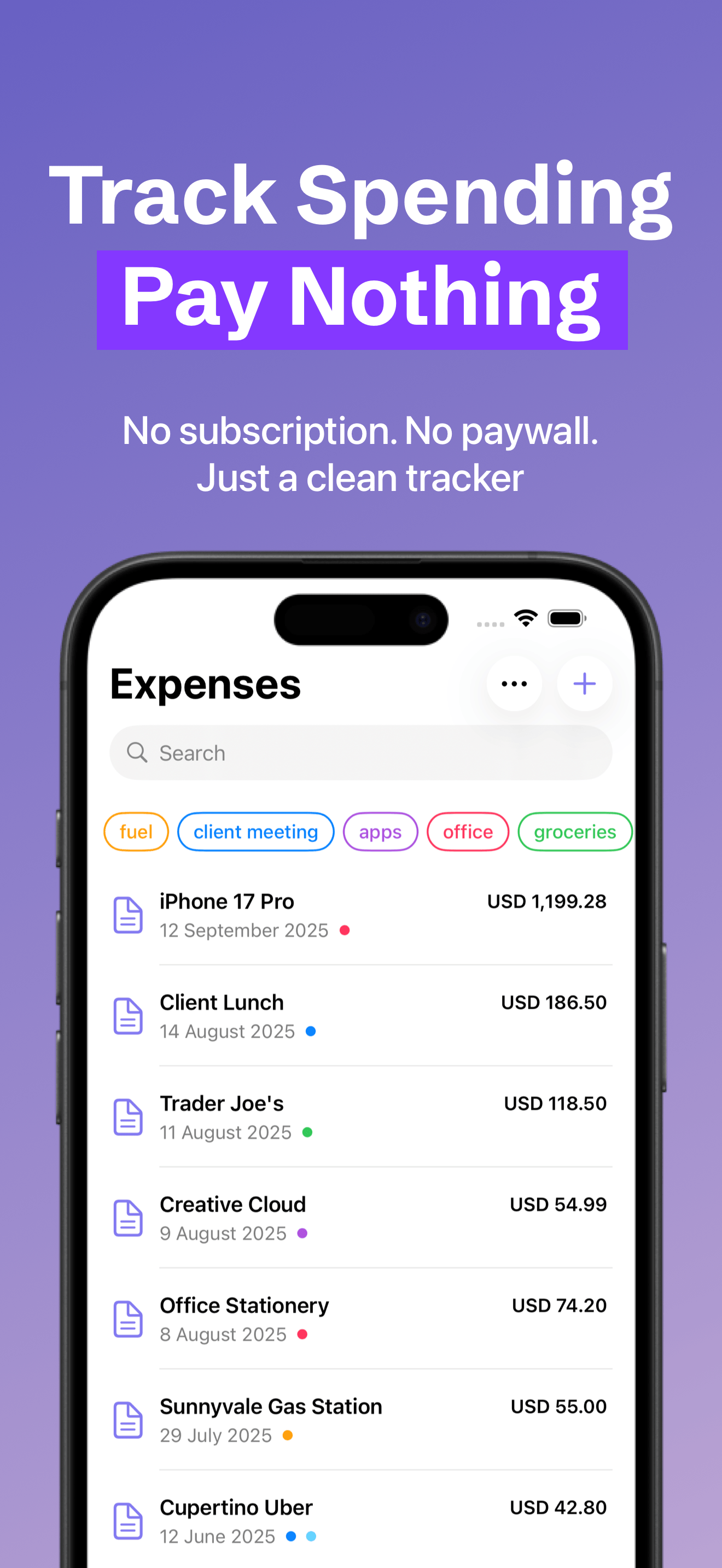
100% Free to Use
No subscription. No paywall. Just a clean tracker supported by ads.
-
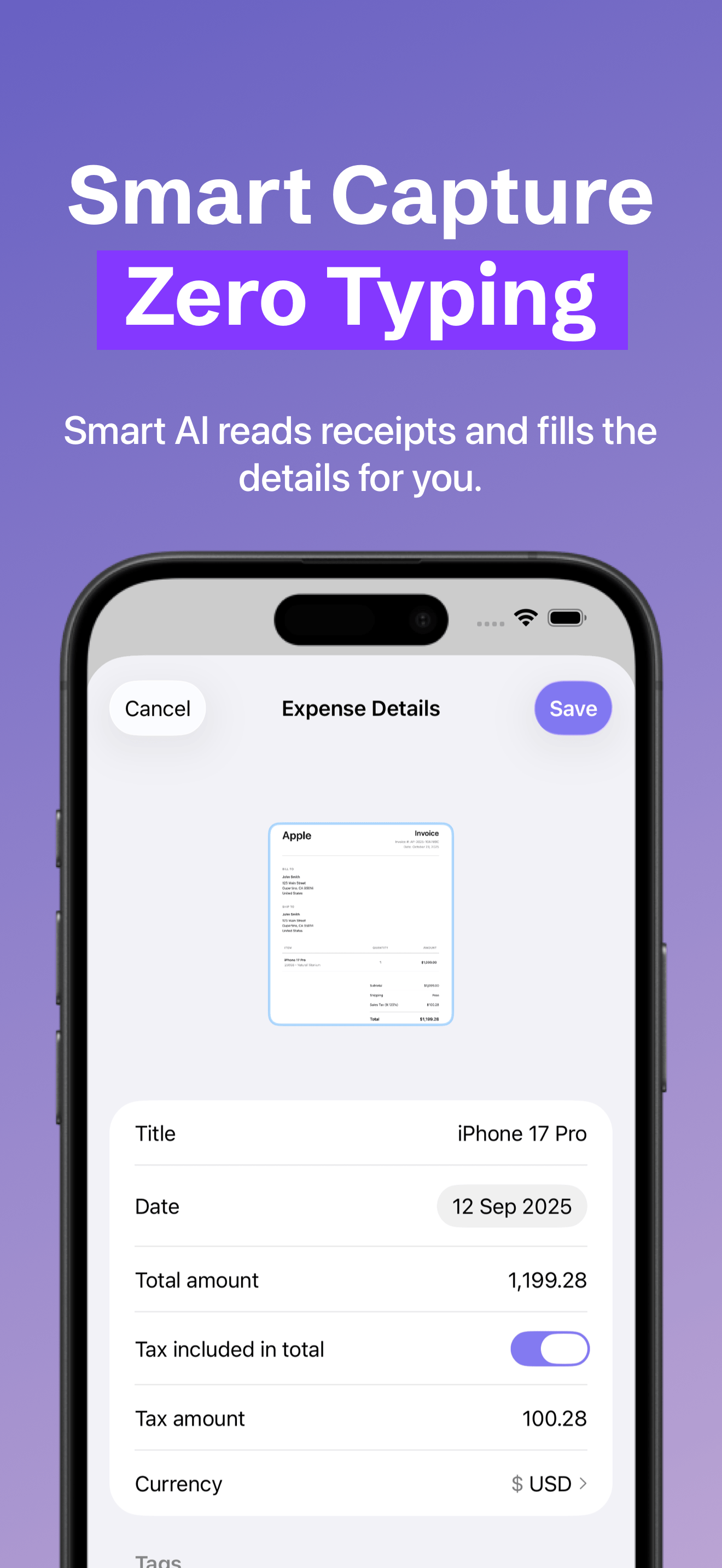
Smart Receipt Capture
Snap a receipt or screenshot and let AI fill the details automatically.
-
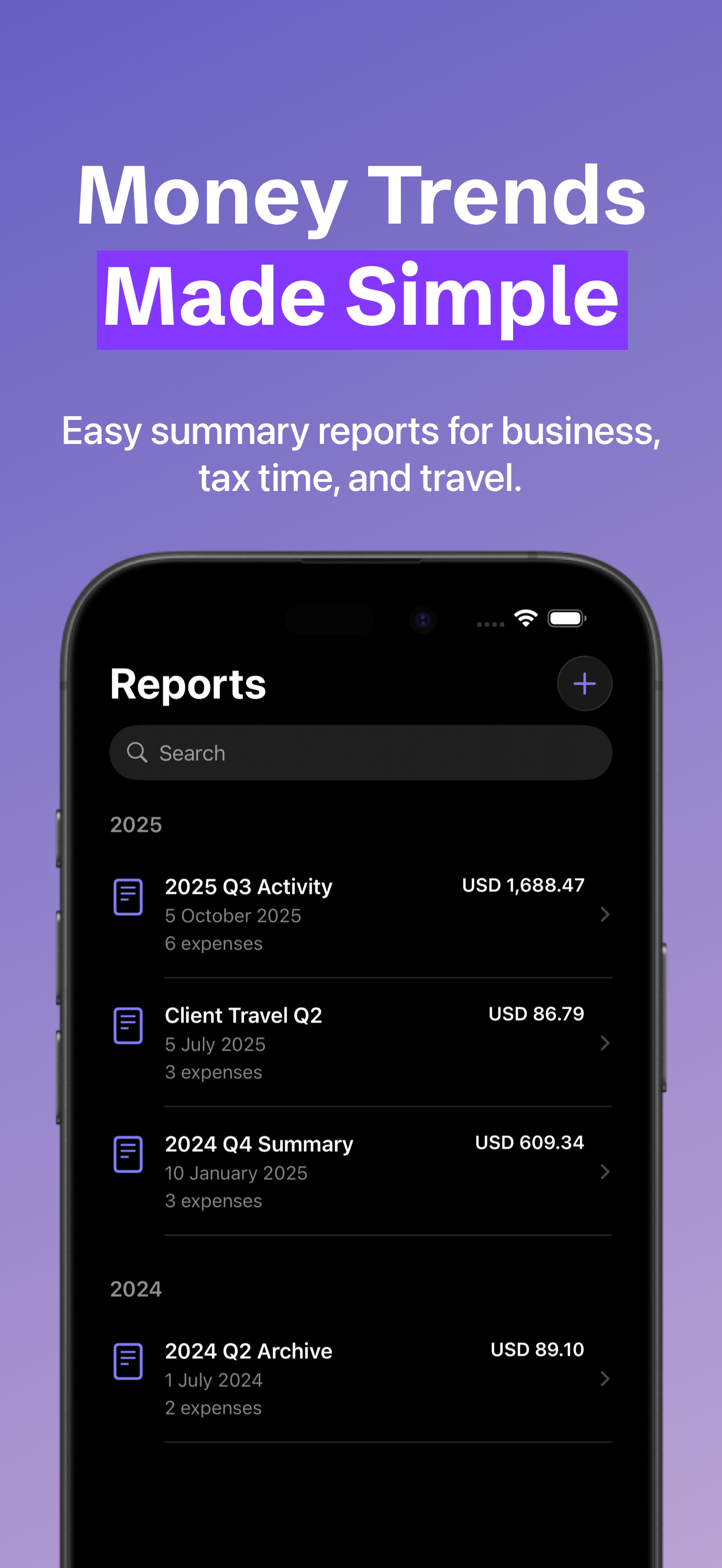
Custom Reports
Monthly, quarterly, yearly, or custom—see trends without spreadsheets.
-
Tags + Search
Keep everything organised with tags, filters, and fast search.
-
Multi-Currency
Perfect for travel and online purchases — track spending across currencies
-
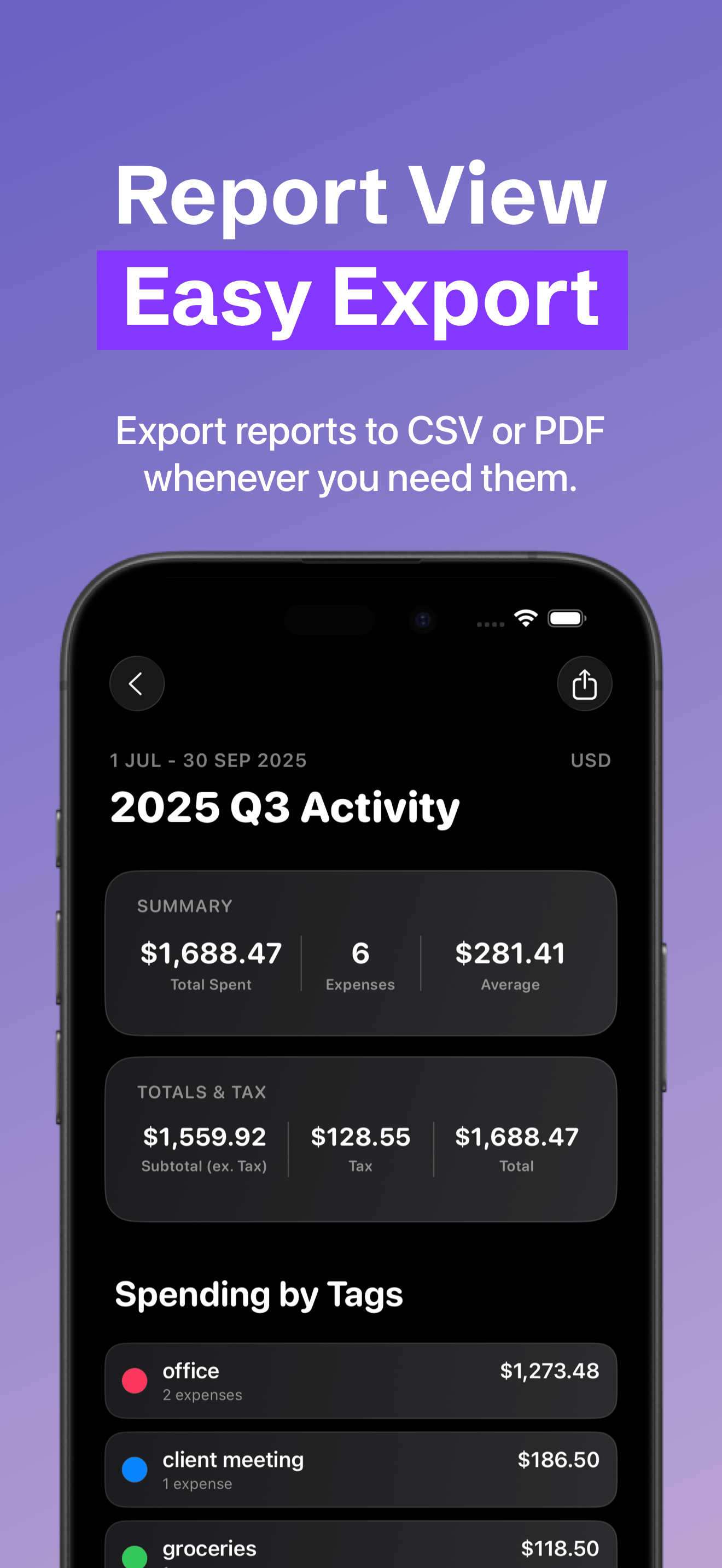
Export CSV or PDF
Export reports to CSV or PDF, and enjoy automatic cloud backup so you can restore anytime.
✺ Frequently asked questions ✺
-
Yes! Docket is free to use, supported with ads. No subscriptions anywhere.
If you’d like to support the app, you can remove ads forever via a one-time in-app purchase.
-
Scan a receipt or screenshot and Docket auto-fills the details for you. It uses on-device AI when available, otherwise secure cloud processing.
Always review before saving as AI can make mistakes.
-
Yes! Docket automatically backs up your data to the cloud so you can restore it if you change phones or reinstall.
-
Absolutely. Export reports to CSV (spreadsheets) or PDF (sharing/records) whenever you need.
Privacy Policy
Effective date: 29 January 2026
We take your privacy seriously.
What data Docket stores
Docket stores the information you enter in the app (for example: expenses, amounts, dates, merchants, notes, tags, and reports). If you attach receipts or screenshots, those attachments are stored too. Docket uses iCloud to automatically back up your data and restore it on your devices.
Analytics
We collect anonymous usage statistics using TelemetryDeck to understand app performance and improve features. We do not use TelemetryDeck to collect personally identifying information.
Ads
Docket is supported by ads served through Google AdMob. Google and its partners may collect information required to show and measure ads (for example device identifiers and basic device/app information), depending on your settings and consent.
If you choose the one-time in-app purchase to remove ads, ads will no longer be shown.
Smart Capture (AI processing)
When you use Smart Capture, Docket may process a receipt or screenshot to auto-fill key fields.
Smart Capture uses either on-device AI or secure cloud AI processing (OpenAI, Anthropic and/or Google) to extract the details.
We do not store your receipt/screenshot content for Smart Capture beyond what is needed to process the request. These providers may handle data according to their own privacy policies.
Always review data before saving, as AI can make mistakes.
Contact
If you have questions about privacy, contact us at: docket@loomlabs.au
Updates
We may update this policy from time to time. The latest version will always be available on this page.
Third-party privacy policies
TelemetryDeck: https://telemetrydeck.com/privacy
Google Privacy Policy: https://policies.google.com/privacy
Google Ads/AdMob technologies: https://policies.google.com/technologies/ads
OpenAI Privacy Policy: https://openai.com/policies/row-privacy-policy/
Anthropic Privacy Policy: https://www.anthropic.com/legal/privacy